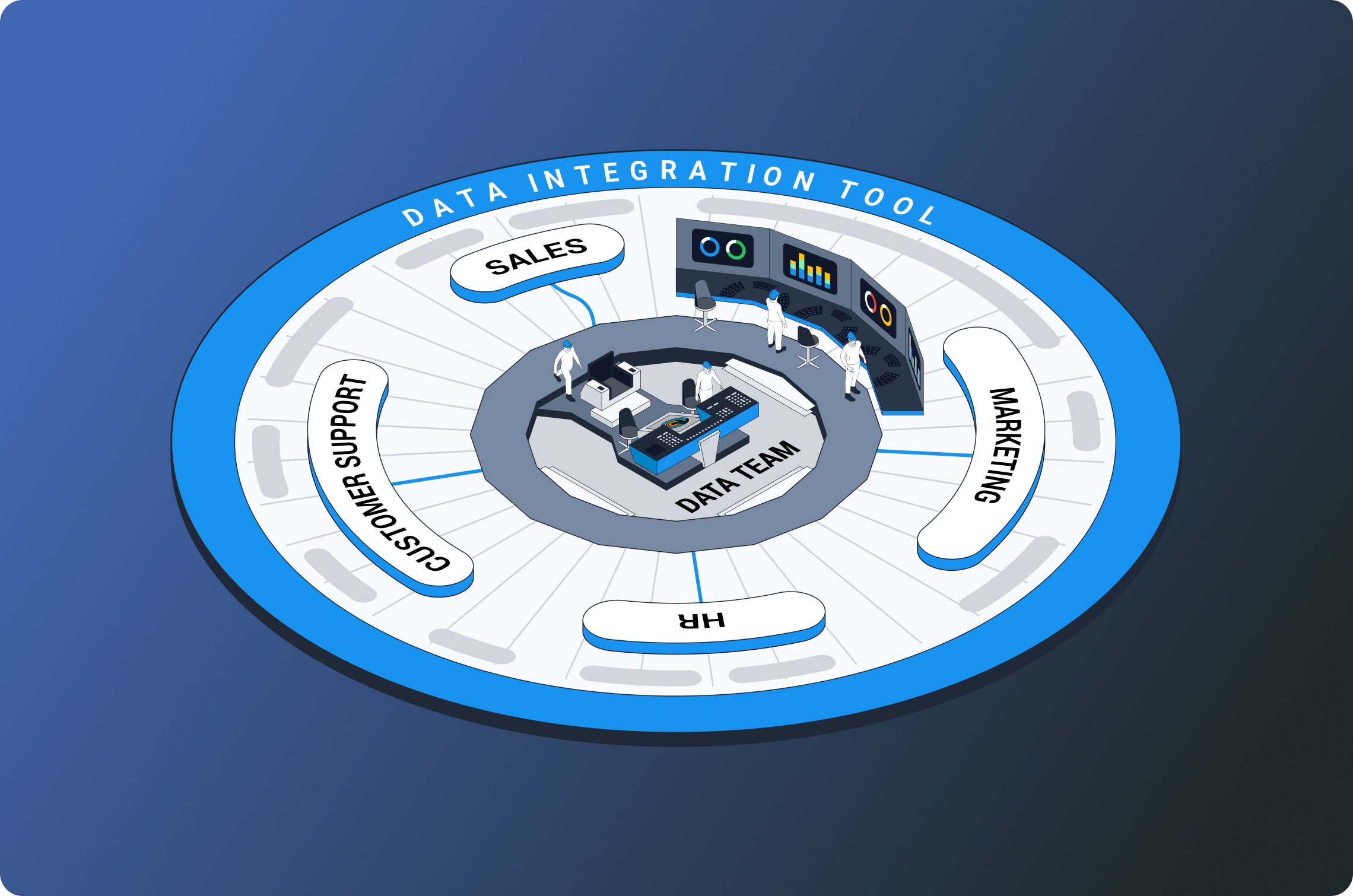
If you’re hunting for the best web scraping and data integration tools, you’re looking for two things at once: a reliable way to extract data from the web (without breaking every week) and a smooth path to get that data into the tools your team already uses, warehouses, CRMs, spreadsheets, or dashboards.
This guide shows where to find great options, how to judge them fast, and what to consider for long-term success. The tone is practical, the steps are concrete, and the tips come from real build vs. buy decisions.
First, define “best” for your stack
Before you browse lists or click “Start free trial,” write down what “best” means for you. The answer changes by team size, compliance rules, and budget.
- Coverage: Can it handle the sites and formats you need (HTML, JSON, sitemaps, PDFs, images)?
- Durability: Does it survive layout changes? Are upgrades frequent and safe?
- Scale: How well does it run for 100 pages, 100k pages, or steady weekly syncs?
- Anti-bot posture: Rotating IPs, retries, human-like timing, and respect for rate limits.
- Compliance & ethics: Clear policies, opt-out options, consent flows where required.
- Integration depth: Connectors for your destination (Snowflake, BigQuery, Redshift, Postgres, Sheets, HubSpot, Salesforce).
- Observability: Logs, metrics, alerts, lineage, and schema-change handling.
- Total cost: License + compute + proxies + developer time + maintenance risk.
Keep this list beside you. It will filter noise and make “top pick” choices obvious.
Where to look: dependable places to discover tools
You don’t need one giant list; you need curated pockets of signal. Here’s where professionals find the best web scraping and data integration tools.
1) Open-source hubs (great for builders)
- GitHub topics & “Awesome” lists: Search “web-scraping,” “crawler,” “headless-browser,” “ETL,” “ELT,” and “reverse ETL.” “Awesome” lists are human-curated and often include tutorials and example repos.
- Repo signals to check: Recent commits, release cadence, number of maintainers, open issues, and readme clarity. If examples are clean and tests exist, that’s a good sign.
2) Package registries (fast reality check)
- PyPI (Python) and npm (Node.js): Look at download trends, version history, and dependency footprints. For scraping, you’ll see staples like Requests, BeautifulSoup, Scrapy, Playwright, Puppeteer, and Cheerio. For integration, watch Airbyte connectors, Singer taps/targets, Meltano plugins, and dbt packages.
3) Vendor review sites (business perspective)
- Software review platforms: Shortlist tools via filters (SMB/enterprise, pricing model, connector count). Read negative reviews first to see what breaks at scale or during support handoffs.
4) Community channels (hands-on truth)
- Stack Overflow & developer forums: Search error messages and “gotchas” for the sites you care about.
- Professional subreddits & Slack/Discord groups: Candid threads often reveal real-world limits, rate caps, captcha friction, dynamic rendering quirks, and billing surprises.
5) Data integration marketplaces (ready-to-ship connectors)
- Connector hubs: Airbyte Hub, Singer registry, Meltano Hub, and similar catalogs show which sources/destinations are maintained and how often they’re updated.
- Cloud marketplaces: AWS Marketplace and GCP Marketplace can be useful if you need procurement, metered billing, and vetted vendors.
6) Launch directories and product roundups (trend radar)
- Product discovery sites: Good for spotting new tools and niche products (e.g., image-heavy scraping, PDF parsing, cookie-aware browsing, privacy-first enrichment). Treat them as leads, not final picks.
Tool categories you’ll encounter (and what they’re good at)
You’ll build a shortlist faster if you understand categories. Use this cheat-sheet to map needs to tool types.
A) Low-code / no-code scraping platforms
- What they offer: Point-and-click selectors, scheduled runs, proxy pools, built-in storage, one-click exports to Sheets/CSV/warehouse.
- When to choose: Non-engineers need data weekly, your targets are stable, and time to value matters more than deep customization.
B) Scripted crawlers and parsers
- Examples you’ll see: Scrapy (Python), Playwright or Puppeteer for headless browsing, Selenium for UI automation, BeautifulSoup/Cheerio for parsing.
- When to choose: You need control, custom retries, smart throttling, or site-specific workarounds. Great for engineering-led teams.
C) Managed extract APIs (if available)
- What they offer: A clean API that abstracts the crawling itself. You send a URL + parameters, receive structured data.
- When to choose: Targets are mainstream and stable; you prefer buying extraction rather than maintaining brittle scripts.
D) Data integration (ELT) platforms
- Open-source and commercial: Airbyte, Singer/Meltano, Fivetran, Hevo, Stitch-style tools.
- When to choose: You have many SaaS sources (analytics, ads, CRM) and want scheduled, schema-aware loads into your warehouse with minimal ops.
E) Orchestration & quality layers
- Orchestrators: Apache Airflow, Prefect, Dagster, schedule runs, manage retries, set SLAs.
- Data quality: Great Expectations or Soda to test data on arrival (e.g., “no more than 1% nulls,” “IDs are unique”).
F) Transformation and modeling
- dbt & SQL-centric transforms: Standardize schemas, handle incremental models, and version the business logic that turns raw scrape into analytics-ready tables.
How to evaluate: a quick, fair “bake-off”
Build a 1–2 day test that mirrors your real use. The goal is evidence, not guesses.
- Choose two target pages: one static page and one JavaScript-heavy page.
- Define success: complete data for N records, time-to-first-dataset, and a clean CSV/JSON with the right schema.
- Run with rate limits: stay polite, low concurrency and delays to mimic long-term reality.
- Break it on purpose: change selectors or inject a pop-up to see how the tool adapts.
- Measure maintenance: how many lines of code, how brittle is the selector strategy, and how clear are logs when things fail?
For the integration side, test incremental loads, schema drift, retries, backfills, and observability (alerts, lineage, run history). If it’s going into a warehouse, confirm load patterns (COPY vs. streaming) and cost impact.
Compliance, risk, and platform rules (don’t skip this)
Scraping is powerful, but it’s not a free-for-all. Be thoughtful:
- Respect the terms and robot rules. Read the target site’s policies.
- Avoid bypassing technical protections. Don’t build features that dodge authentication, paywalls, or captchas in ways that violate the law or terms.
- Collect only what you’re allowed to use. If data includes personal information, add consent and opt-out flows where required.
- Log provenance. Track when/where each record was collected and the lawful basis for use.
- Provide a takedown channel. Make it easy to request the removal of data you’ve published or enriched.
If you’re exploring LinkedIn-related data, stick to compliant methods. In product copy or menus, you might see phrases like LinkedIn Company Scraper or LinkedIn Profile Scraper. Treat these as anchor concepts for internal linking on your site, but always ensure the underlying feature set respects platform rules and applicable laws.
Three proven stacks (pick your lane)
1) The “no-code first” stack (marketer or analyst)
- Scraping: A no-code platform with built-in proxy management and scheduled runs.
- Storage: Auto-export to Google Sheets or CSV for quick checks; weekly dump to a data warehouse.
- Integration: A plug-and-play ELT tool with native connectors to your warehouse and BI tool.
- Pros: Fast setup, minimal engineering.
- Cons: Less flexible for unusual pages or anti-bot hurdles.
2) The “engineer’s toolkit” (data team with Python/JS)
- Scraping: Scrapy + Playwright (or Puppeteer) for JavaScript sites; robust middlewares for retries and throttling.
- Integration: Airbyte/Meltano for repeatable loads into Snowflake/BigQuery.
- Orchestration: Airflow or Prefect to schedule, alert, and retry.
- Quality & transforms: Great Expectations + dbt to validate and model.
- Pros: Full control, lower vendor lock-in.
- Cons: You own maintenance; requires code hygiene and monitoring.
3) The “hybrid” stack (scale + speed)
- Scraping: Managed extraction API for common targets + custom scripts for edge cases.
- Integration: Commercial ELT for mission-critical sources; open-source connectors for long tail.
- Observability: Centralized logging, SLAs, and page-change monitoring.
- Pros: Balance of speed and control.
- Cons: Multiple contracts and moving parts to manage.
Playbook: choose tools in one working week
Day 1—Requirements. Finalize “must-haves” vs. “nice-to-haves.” Decide targets, volume, cadence, and destinations.
Day 2—Discovery. Pull 6–8 candidates from the sources above. Eliminate any with stale repos or unclear pricing.
Day 3—Hands-on test. Run the bake-off: one static page, one dynamic page; collect artifacts, note pain points.
Day 4—Integration check. Load into your warehouse or system of record. Validate incremental loads, schema changes, and alerting.
Day 5—Decision & plan. Pick the winner and write 1-page runbooks: how to extend, how to monitor, how to roll back.
Patterns that make scrapers last longer
- CSS + semantic hooks: Prefer stable attributes (e.g., data-test-id) over fragile CSS class names.
- Graceful waits: Wait for network idle or a specific element rather than fixed sleeps.
- Structured selectors: Centralize selectors in one file; add comments and fallbacks.
- Polite crawling: Randomized delays, small concurrency, exponential backoff on errors.
- Change detection: Monitor HTML diffs or key DOM landmarks; alert on big shifts.
- Schema evolution: Design schemas for optional fields and version them; add dbt tests for presence/uniqueness.
Common pitfalls (and simple fixes)
- Tiny successes that don’t scale: A script that runs once isn’t a pipeline. Wrap it with scheduling, retries, and alerts from day one.
- Ignoring robots and rate limits: Short-term speed leads to long-term blocks. Be gentle.
- Hard-coding selectors: Use constants, not literals; future you will be grateful.
- One giant JSON blob: Model your data early. Even simple dbt models save hours later.
- Manual CSV drags: Automate the last mile. ELT is cheap compared to human time.
The takeaway
You don’t need a magic list. You need a repeatable way to discover, test, and run the best web scraping and data integration tools for your goals:
- Pull candidates from trusted sources: open-source hubs, registries, review sites, connector marketplaces, and active communities.
- Run a realistic bake-off and measure durability, speed, and maintenance effort.
- Choose integration that handles schema drift, retries, lineage, and security from day one.
- Keep your stack polite, compliant, and observable.
Do this, and you’ll have data you can trust, pipelines that don’t wake you at 3 a.m., and a stack that grows with your business, not against it.