
If you’ve been in marketing or web design for a while, you’ve probably heard people talk endlessly about keywords, backlinks, or site structure. Images? They usually get pushed to the side. But here’s the thing—badly handled images can slow your site down, hurt rankings, and even frustrate visitors. On the flip side, when you optimize them properly, they can actually boost traffic and make your site easier to use.
I used to just upload whatever image I had lying around—straight from my phone, 5MB in size, with a file name like IMG_4523. The result? Slow load times, ugly stretches in layout, and zero chance of showing up in image search. Once I started paying attention, things changed fast: my site loaded quicker, bounce rates dropped, and some posts even started pulling clicks from Google Images.
Here’s what’s worked for me:
Pick the Right File Format
- JPEG works fine for most photos.
- PNG is handy if you need transparency (like logos).
- WebP is the best of both worlds—sharp images, small file size—if your platform supports it.
Most of the free stock sites are catching up and offering WebP now, but I’ll be honest: I often grab free PNGs and photos from Pikwizard stock images collection because they’re high-quality out of the gate and don’t look like the same tired stock images everyone else uses.

Keep File Sizes Reasonable
No one needs a 5000px-wide banner loading on a blog. Tools like TinyPNG or even WordPress plugins can cut file sizes way down without ruining the quality. It’s one of those five-minute habits that makes a big difference.
Rename Your Files (Yes, Really)
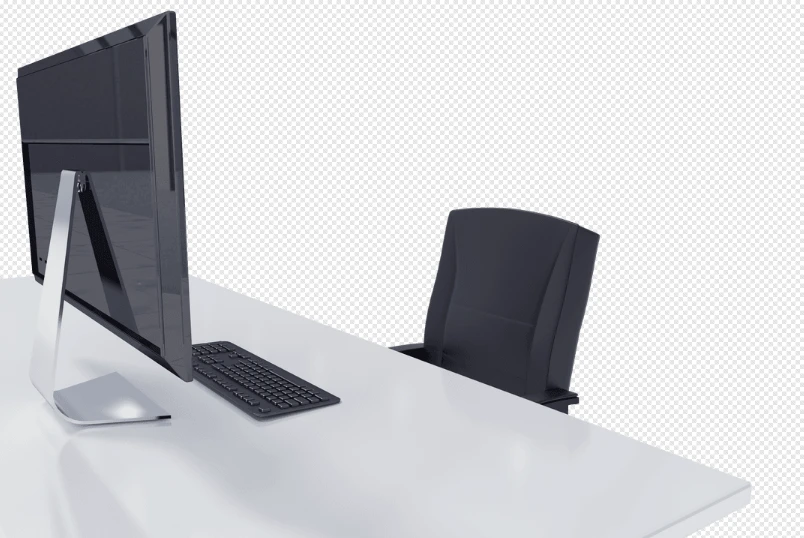
Google has no clue what IMG_0002.png means. Something like modern-office-desk.png? Much better. If I download something from Pikwizard, I usually rename it before uploading—otherwise, the filenames are too generic.
Don’t Skip Alt Text
Alt text isn’t just “for SEO.” It’s also what screen readers use, so it makes your site more accessible. Just describe what’s in the picture in plain language. Example: instead of “photo,” try “designer working at a modern office desk.” It’s better for users and search engines.
Resize to Fit Your Layout
If your content area is only 1200px wide, don’t upload an image that’s 4000px. You’re just slowing the page down. Quick resize = faster site = happier visitors.

Lazy Loading Helps
Most modern CMS platforms already do this, but make sure it’s enabled. It delays images until people scroll down to them, which keeps initial load speeds quick.
Why It’s Worth the Effort
When you take a little time to optimize, you get:
- Faster load times
- Happier users
- Better rankings
- And bonus traffic from image search
Plus, if you’re using free stock PNGs or any other images from places like Pikwizard, you’re already starting with clean, professional-quality files. That saves you time—you’re not fixing sloppy images or fighting with bad compression before you even get to the SEO part.

